Call of Dragons bot for Android
Your accounts farm while you live.
Wyrmhand farms Call of Dragons for you, on your own phone. It reads the screen, switches accounts and characters, sends the marches and the resources. No PC, no emulator.
- 3 days free, no card
- Never asks for your game password
- Stop it any time
Your login stays yours
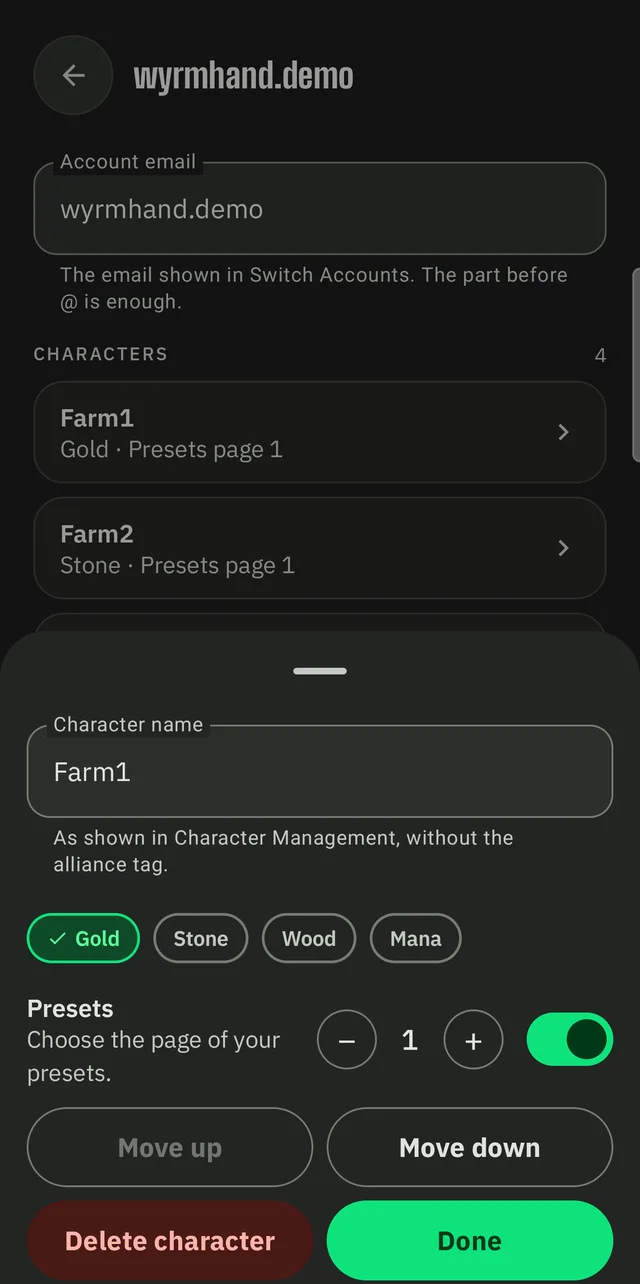
No game password, ever. You type the account's e-mail and the character names so it can recognise them in the game's own list.
It taps like a person
Tap timing is randomized, and the delays are yours to set. What it reads on your screen never leaves your phone.
It stops when it is lost
If something looks wrong, it pauses and tells you what to do. One press on Stop ends the run.
Straight talk: automating a game can go against its rules, and the publisher can act on accounts. Wyrmhand is an independent tool; you use it at your own risk.
The app
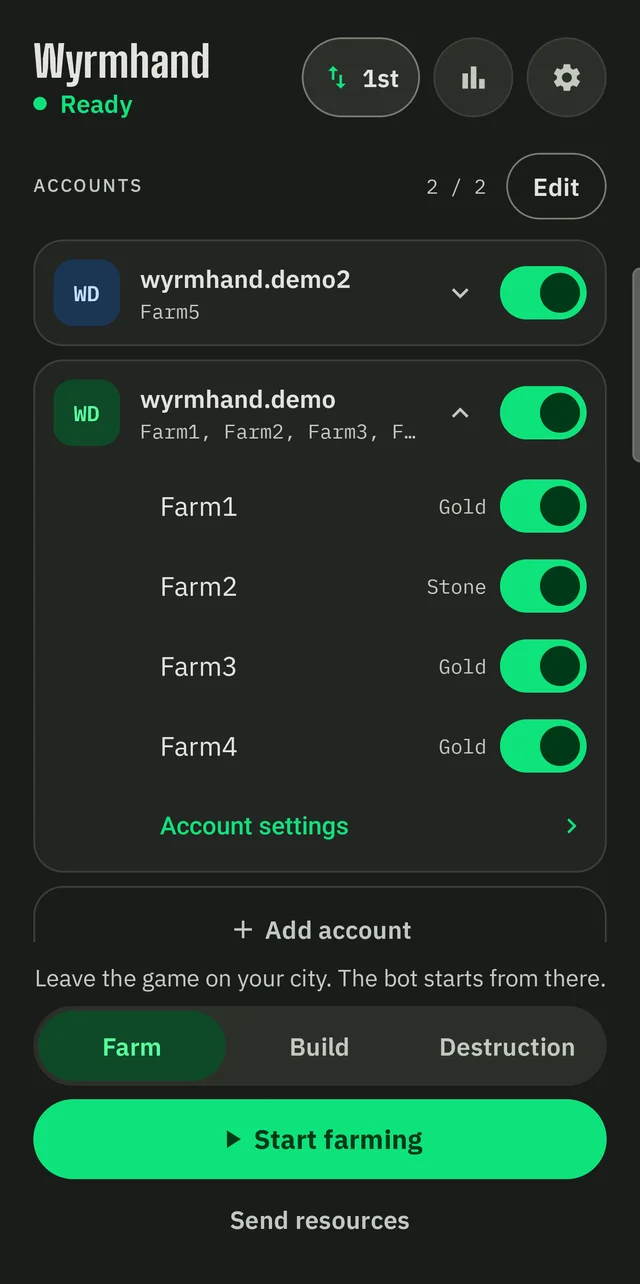
Switch accounts on. Press Start.
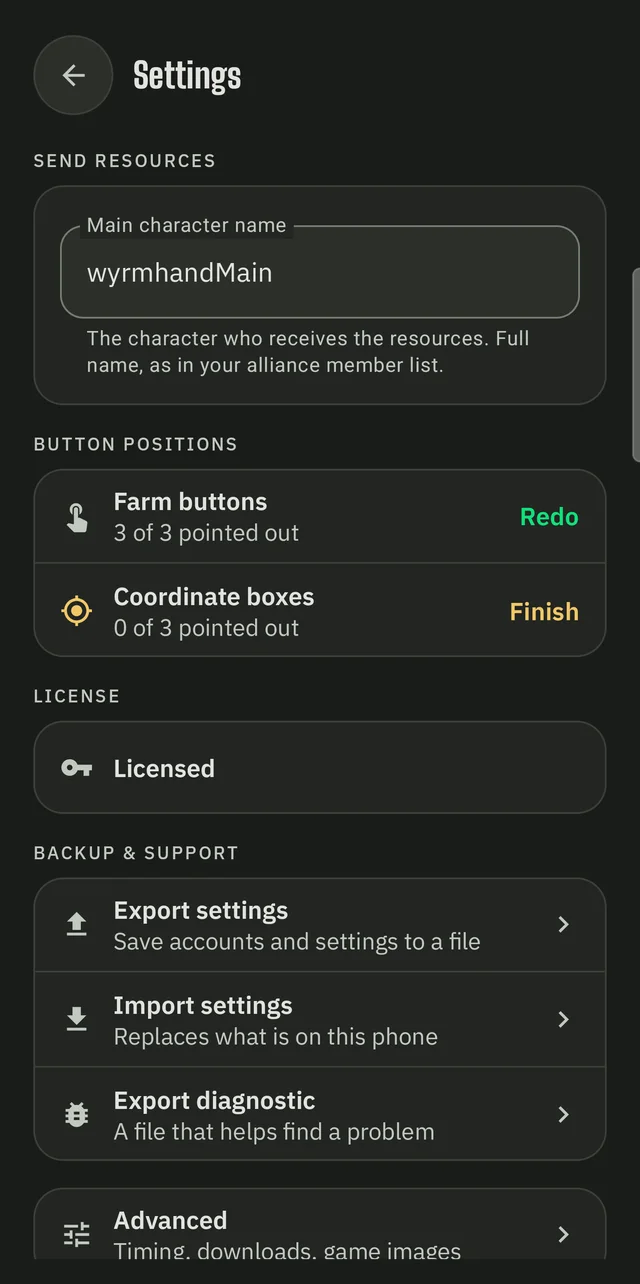
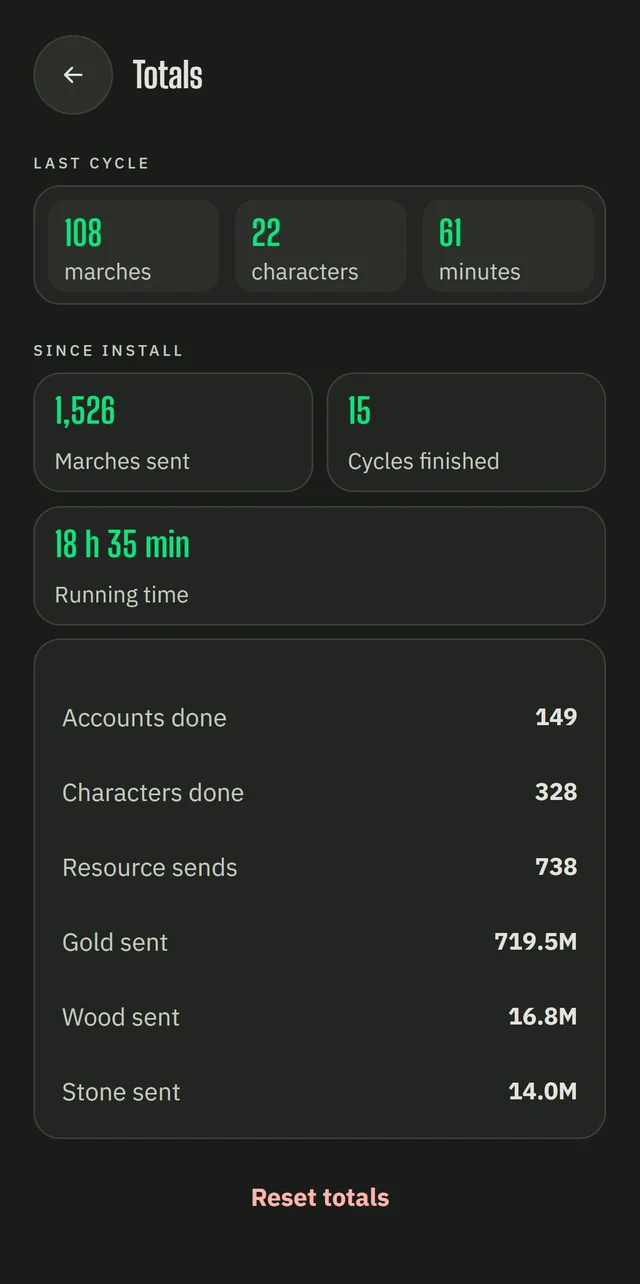
Real screens, straight from the phone. Everything is in English, and so is the game it plays.
How it works
Set it up once. Then press Start.
Install and set up
A guided setup walks you through the permissions and the downloads. About five minutes.
Add your accounts
Type each account's e-mail and character names, exactly as the game shows them. You point out three buttons once.
Press Start
Leave the game on your city. The bot takes over, and a small pill over the game lets you pause or stop.
Installing an APK for the first time? Every screen you will see
- Download the right fileAlmost every recent phone needs the arm64 file. Only old 32-bit phones need the other one.
- Allow the installAndroid asks to allow installs from your browser or file manager, once. Turn it on, go back, tap Install.
- Play Protect may warn youA message may say the app is unknown. Tap More details, then Install anyway. Wyrmhand is not distributed through Google Play.
- Turn on AccessibilityOpen the app. The setup sends you to Android's settings: find Wyrmhand and switch it on. This is what lets it tap for you.
If the Accessibility switch is gray
- On Android 13 and later this happens for apps installed outside the store.
- Open Android's App info for Wyrmhand, tap the three dots, then Allow restricted settings.
- Go back to Accessibility: the switch now works.
What it does
Everything repetitive, handled.
Farms every account
Sends gathering marches for gold, wood, stone and mana on every character of every account you switch on.
Switches for you
Moves from character to character and from account to account, and alternates the starting character each pass.
Sends resources
Gathers gold, wood and stone from all your characters to your main one in a single tour.
Builds and destroys
Sends one legion per character to a map coordinate to gather, build or destroy, with your saved presets.
Pricing
Try it for 3 days. Keep it with a key.
Free trial
3 days
- Full use: farm and send included
- The clock starts at your first Start
- Once per device, no card
License key
One-timepayment
- One key unlocks one phone
- Move it to a new phone twice if you change device
- Sent to your e-mail right after payment
Help, bug reports and update announcements are on our Discord server.
FAQ
Good to know.
Is it safe for my accounts?
Wyrmhand is an independent tool with no link to the game's publisher. Automating a game can go against its terms of service, and the publisher can act on accounts. You use it at your own risk. What the bot can do on its side: it never asks for your password, randomizes its taps within limits you set, and pauses when it is lost.
Does it ask for my game password?
No. You add each account's e-mail and character names so the bot can recognize them in the game's account list. You stay logged in the way you already are.
Which phones and versions work?
Android 8.0 or later, with Google Play services (the text reader comes from Google). The game must be set to English, because the bot finds buttons and names by reading them.
Does it need the internet?
Yes, to start: the app checks your trial or key, and downloads the button images during setup. What it reads on your screen is not sent anywhere.
How do the trial and the key work?
The trial gives 3 days of full use per device, starting at your first Start. A key unlocks one device and is sent to your e-mail right after payment. If you change phones you can move it twice.
What if the bot gets lost?
It pauses and says what happened and what to do, for example: put the game back on the map, then press Resume. You can also export a diagnostic file from the settings and send it for help.
How do I update?
Updates are manual: download the new APK and install it over the old one. Your accounts and settings are kept. New versions are announced on Discord.
Let your accounts work tonight.
Three days free, nothing to enter but your accounts' names.